
Enhance · Upscale · Unblur
AI image enhancer for sharper, larger photos
Upload a photo, choose Enhance, Upscale or Unblur, and check the output size and price before you start. 5 free enhances after sign-up, up to 2×, no watermark.
Keeps the size and cleans the image: less noise and compression blocking, firmer edges, natural texture.
Refines faces in your own photos. Use only on people who agreed; it should never change who someone is.
- Output
- —
- MP
- —
- Cost
- —
Free enhances cover results up to 2× and 24 MP, with no watermark.
- JPG, PNG, WebP up to 10 MB
- Output up to 64 MP
- No watermark
- Files deleted after 30 days
Examples
Real runs, unedited
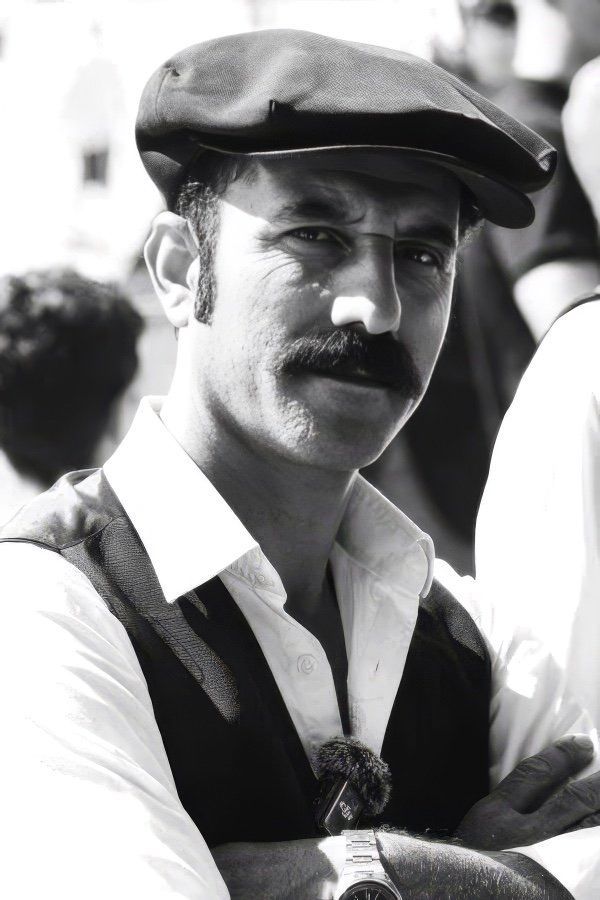
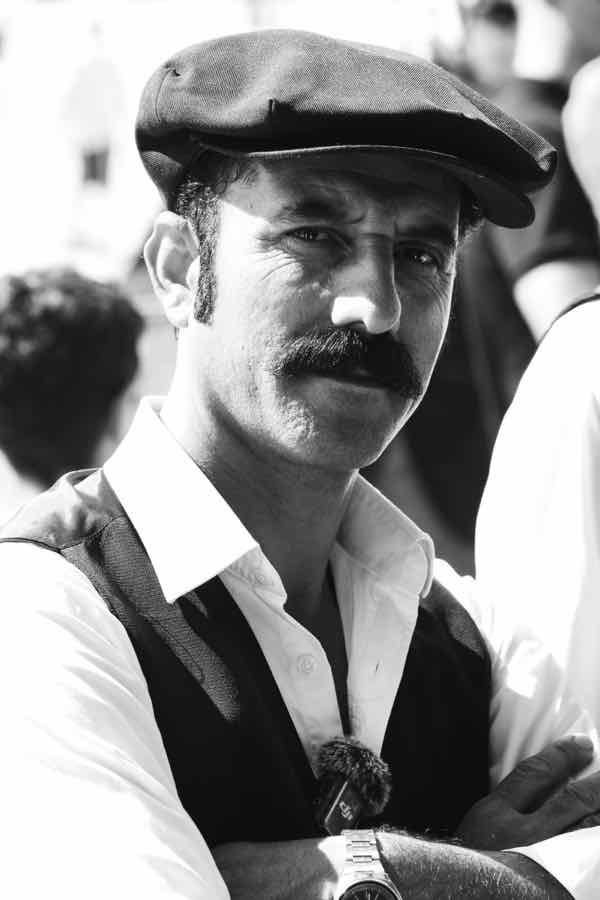
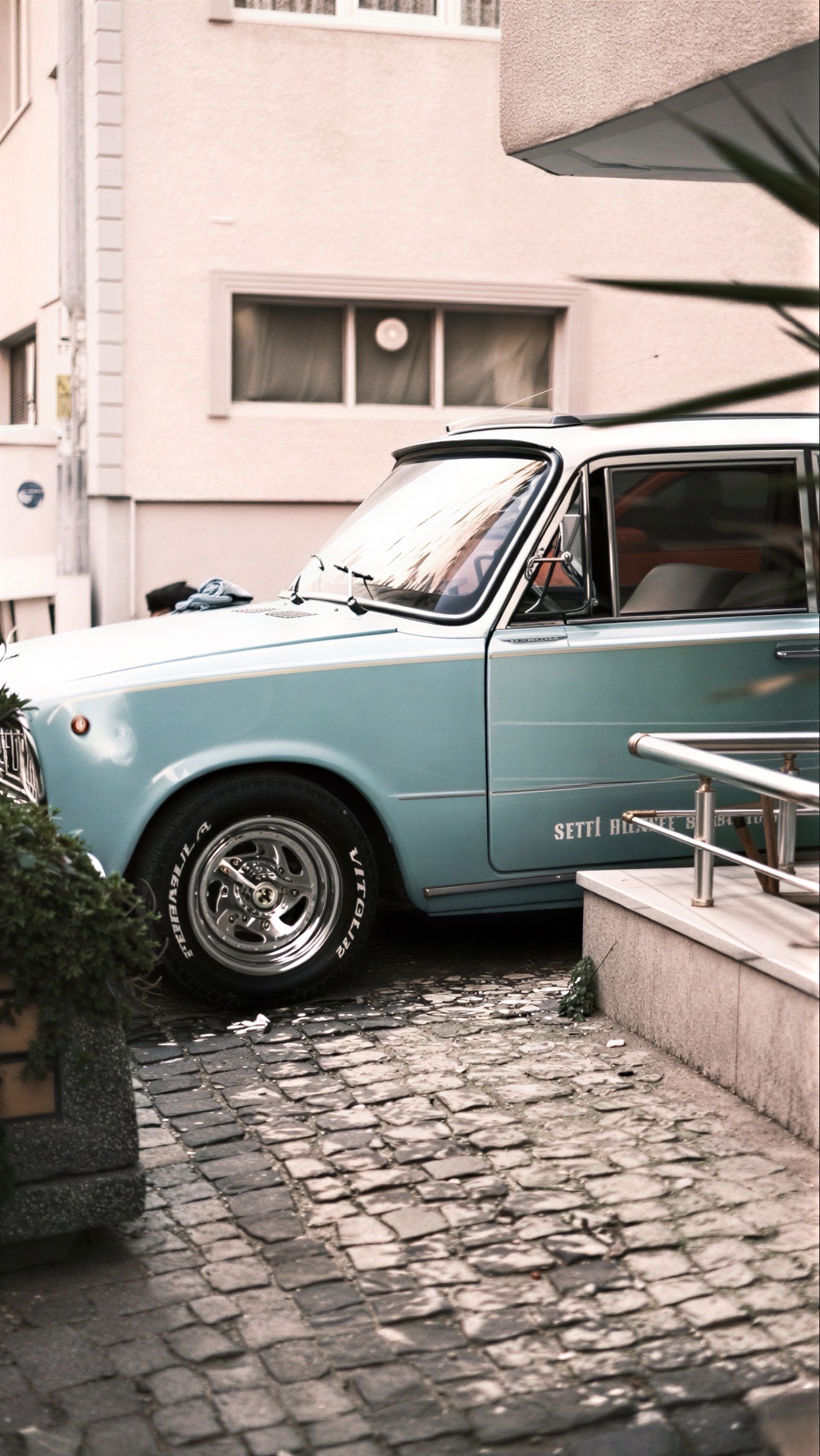
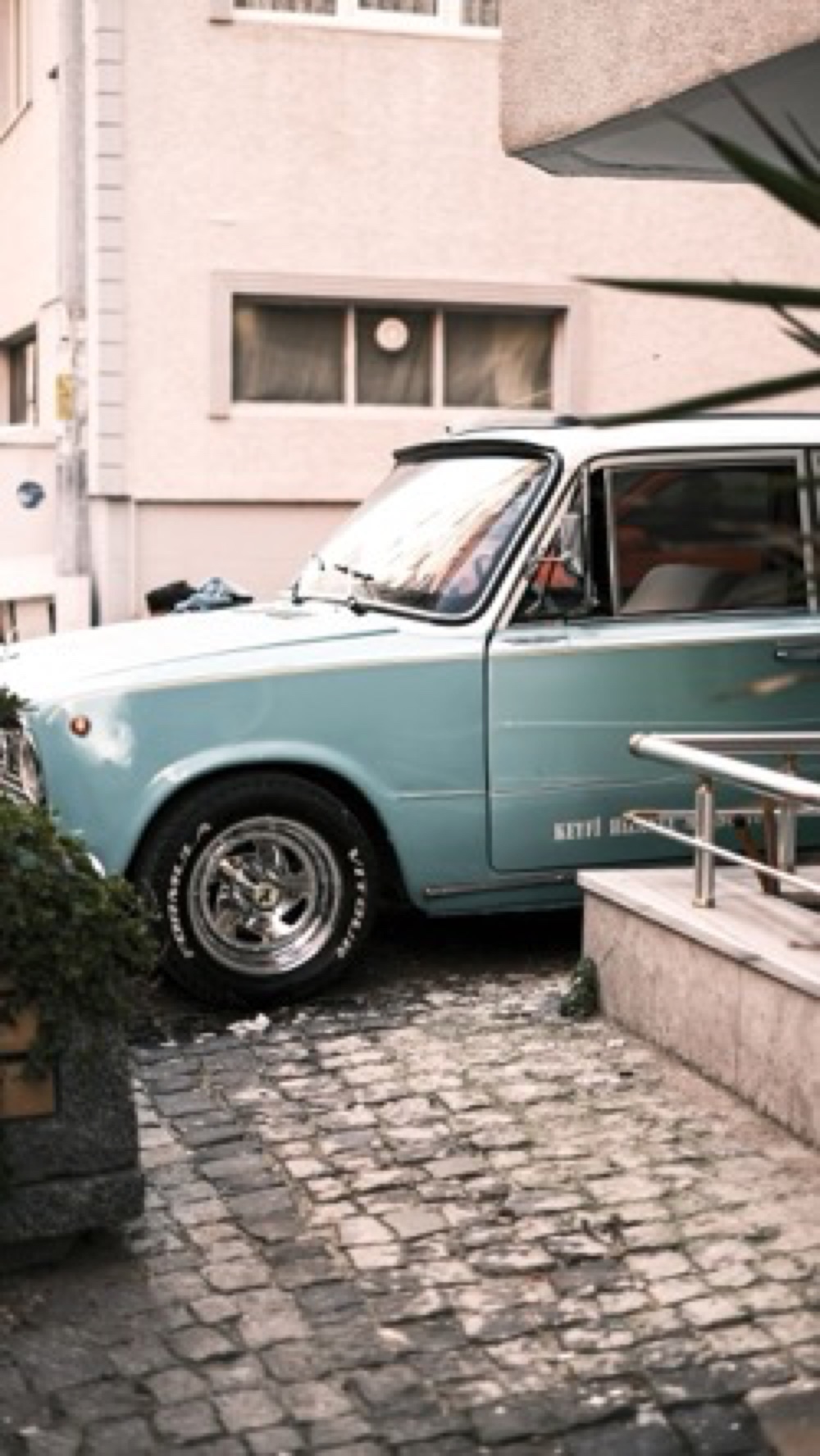
Each pair is one run of the same model and settings this tool uses. We downsized, compressed or softened the stock inputs first; the outputs are untouched.


Tools
Three tools, one job each
Pick by the problem you see. If a photo is small, upscale it. If it is noisy or blocky, enhance it. If edges are soft, unblur it.
Enhance
Same pixel size, cleaner image. Removes sensor noise and JPEG blocking, firms up edges and keeps skin, foliage and fabric looking natural.
More about EnhanceUpscale
2× or 4× the width and height. The model predicts the missing detail, so lines stay clean when you print or crop.
More about UpscaleUnblur
Same pixel size, crisper edges. Works best on slight camera shake, a missed focus point or a soft lens.
More about UnblurGuides by task: Image upscaler · Unblur image · Enhance photo quality
How it works
How to enhance a photo
- 01
Upload
Drop in a JPG, PNG or WebP up to 10 MB. The tool reads its pixel size.
- 02
Choose a tool
Pick Enhance, Upscale 2× or 4×, or Unblur, and turn on Face restore if you need it. The output size and credits show before you run it.
- 03
Compare and download
Drag the slider to check the result against the original, then download the full-size file.
Honest limits
What it can and cannot recover
AI enhancement predicts detail from what is already in the photo. It is good at that, but it is still a prediction.
Works well
- Small or heavily compressed images that need more pixels
- Sensor noise from phones and high ISO
- Slight blur from camera shake or a missed focus point
- Scans of prints that lost sharpness over time
Will not do
- Recover text, plates or faces that are only a few pixels wide
- Fix strong motion blur where the subject smeared across the frame
- Produce evidence: added detail is a prediction, not a record
- Change who a person is, or edit people who did not agree
Pricing
Pay per photo, not per month
Start with 5 free enhances (up to 2×). When you need more, buy a pack once. Credits never expire and there is no subscription.
Snapshot
A handful of photos for a listing or a print.
$6one-time
500 credits · 1.20¢ per credit
- Credits never expire
- Enhance, Upscale 2×/4×, Unblur, Face restore
- Full-size downloads up to 64 MP
- No watermark
Portfolio
Regular work: shoots, products, social posts.
$18one-time
1,600 credits · 1.13¢ per credit
- Credits never expire
- Enhance, Upscale 2×/4×, Unblur, Face restore
- Full-size downloads up to 64 MP
- No watermark
Archive
Large batches and scanned family archives.
$45one-time
4,200 credits · 1.07¢ per credit
- Credits never expire
- Enhance, Upscale 2×/4×, Unblur, Face restore
- Full-size downloads up to 64 MP
- No watermark
Credits per job
The price depends on the tool and the size of the result in megapixels (width × height of the output). The tool shows the exact number before you start.
| Tool | ≤ 4 MP | 4–16 MP | 16–24 MP | 24–48 MP | 48–64 MP |
|---|---|---|---|---|---|
| Enhance | 27 | 27 | 27 | 54 | 107 |
| Enhance + Face restore | 27 | 27 | 27 | 54 | 107 |
| Upscale | 27 | 27 | 27 | 54 | 107 |
| Upscale + Face restore | 27 | 27 | 27 | 54 | 107 |
| Unblur | 3 | 7 | 21 | 21 | 21 |
Changed your mind? Packs can be refunded within 10 days if no more than 15% of their credits were used.
FAQ
Questions about the image enhancer
Is the image enhancer free?
Every new account gets 5 free enhances for results up to 2× and 24 MP, with no watermark. After that you buy a credit pack; credits never expire and there is no subscription.
How much does one job cost?
It depends on the tool and the size of the result. The tool shows the output size and the exact credits before you start, and the full table is on the pricing page.
What is the difference between Enhance, Upscale and Unblur?
Enhance keeps the size and cleans noise and compression. Upscale makes the image 2× or 4× larger in each direction. Unblur keeps the size and recovers soft edges. Choose by the problem you see.
How large can the result be?
Up to 64 megapixels and 16,000 pixels on the long side. If a scale would go past that, the option is disabled for that photo.
Do you keep my photos?
Uploads and results are private, never shown in a gallery and deleted automatically 30 days after the job. You can delete any job sooner in Settings > My enhancements.
What happens if a job fails?
The credits or the free enhance it used are returned automatically. You do not need to contact support.
Can I use Face restore on anyone?
Only on your own photos of adults who agreed to it. Face restore refines detail; it must not be used to change identity, create fakes or edit images of minors.
Can AI unblur any photo?
No. It recovers slight blur well, but strong motion blur, tiny faces and unreadable text cannot be restored faithfully. Use the slider to judge the result before you rely on it.
Guides from the bench
Practical notes on resolution, blur and restoring old photos.
How to Upscale an Image Without Losing Quality
Why resizing makes photos soft, how AI upscaling differs, and a practical checklist for enlarging images for web and print with clean edges.
Why Are My Photos Blurry? Causes and Fixes
Camera shake, missed focus, motion, dirty lenses and compression all blur photos in different ways. How to tell them apart, prevent them and fix them.
How to Scan and Restore Old Photos at Home
A practical workflow for old photos: clean and scan prints at the right resolution, restore grain and soft faces with AI, and archive the originals.